
How to Search Cases by Name
Texas runs a statewide layer for public case search through re:SearchTX. An account is required. Type a short party name or a case-style fragment first, then narrow the results by Lamb County and the probable court. Treat any statewide name match as a lead only. Common names, restricted matters, and uneven local integration can change what a docket search actually returns.
- Choose the Cases tab and enter the smallest distinctive name fragment.
- Apply Lamb County, court, case type, and date filters when those controls are available.
- Compare the court and category before opening Case Details.
- Check the Filings and Hearings tabs for related public entries.
- Record the search date and contact the correct clerk if the expected case is absent.
The portal's documented search tools support the following workflow.
| Field or View | Use | Limit |
|---|---|---|
| Keyword Search | Name or case-style fragment | May return broad matches |
| Cases | Case-level results and details | Coverage varies by court |
| Filings | Filing details and documents | Some documents cost money or are withheld |
| Hearings | Public setting information | Confirm changes locally |
| Left Filters | Narrow county, court, and other fields | Options depend on the result set |
Lamb County re:SearchTX Workflow
The state's quick-reference guide splits its work into separate views. The views are Cases, Filings, Text, and Hearings. Click a case and Case Details opens. Click a filing and Filing Details opens; choose a hearing type and a dialog appears. Advanced search, saved searches, and export tools help when you check a docket more than once. Search Cases first, then turn to Hearings when what you need is a court date. Filings is the view for an entry or a document. The official landing screen presents the account-based entry point.
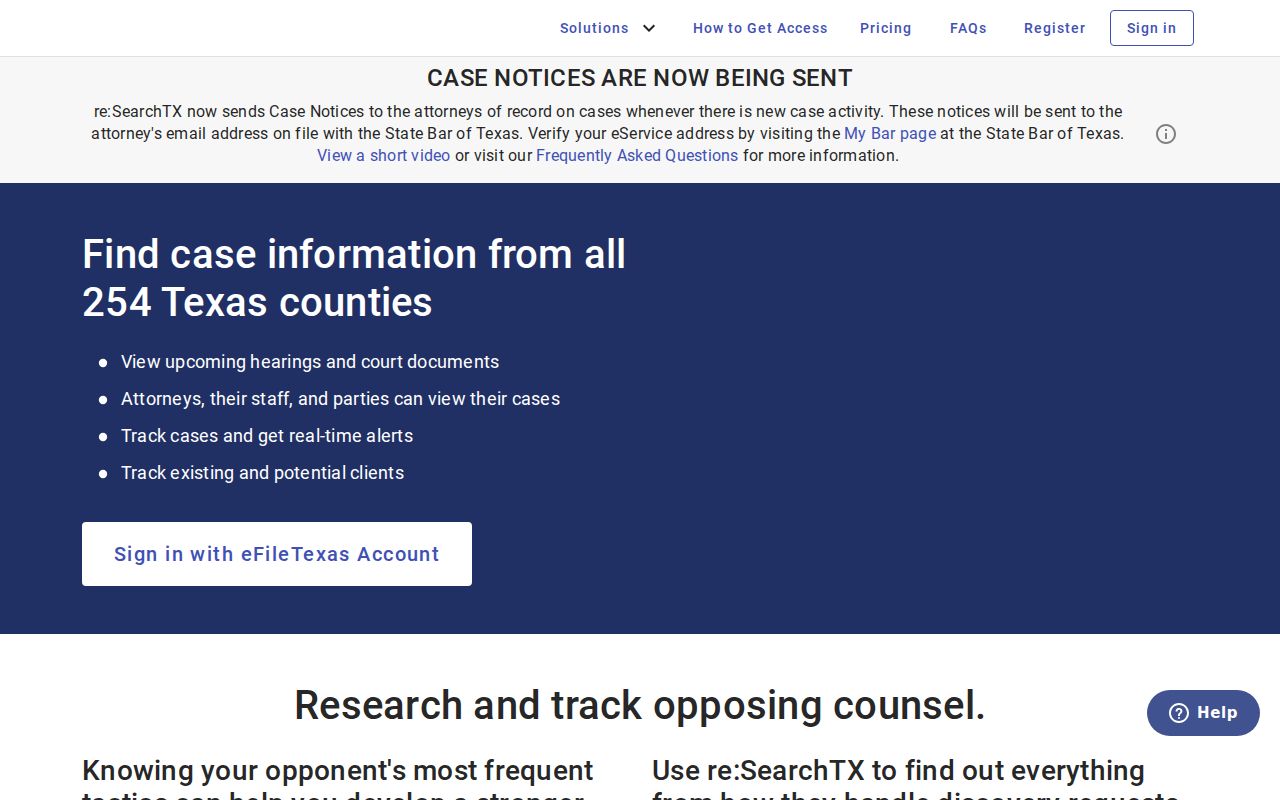
Signing in unlocks the search tools. Even so, an account does not promise that every Lamb County case or document has been integrated for public view.
How to Search by Case Number
Start with the cause number when you have one. Type it just as it appears on your notice or as the clerk wrote it, keeping every letter, mark, and leading zero. No single Lamb County format applies across all courts. Treat a model like YYYY-XX-##### as an example only, never as a local rule. Numbering systems differ from court to court.
An exact query that comes up empty needs a gentler fix. Strip only the punctuation the search screen might ignore, then narrow the results by court. Resist jumping straight to a countywide name sweep. If the docket search still fails, phone the custodian. Have the cause number, the case category, a rough filing date, and the court named on your document ready. The District Clerk keeps the 154th District Court cases, and the County Clerk keeps the constitutional County Court categories.
Lamb County Limited Search Status
Lamb district civil, county civil, and probate filing are marked mandatory on the eFileTexas active-courts table. Public search there is listed as “Limited.” District and county criminal filing is mandatory too. Mandatory e-filing proves lawyers file electronically in these courts. It does not build a full public index for a Lamb County court docket. eFileTexas is the filing layer; re:SearchTX is the public search layer. The table shows Lamb County's status beside the Limited-search legend.
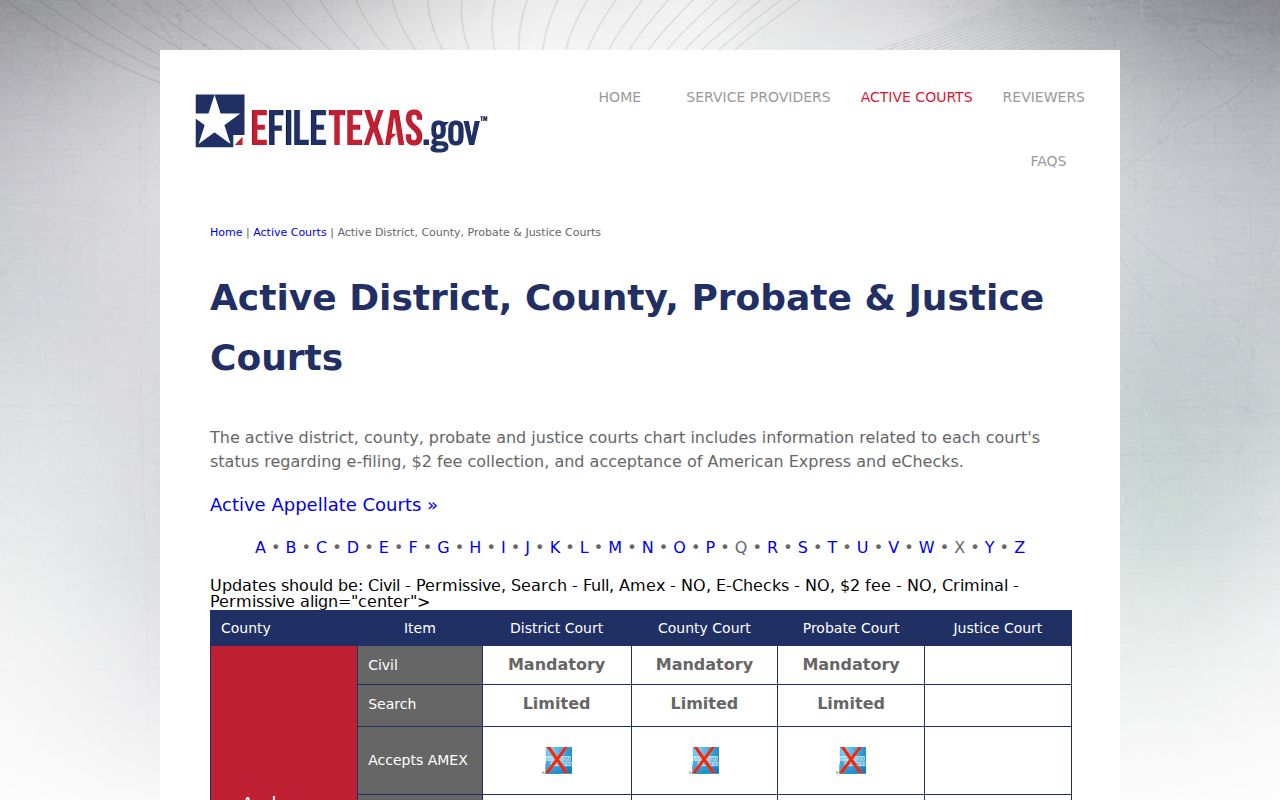
When the public layer falls short, go local. The clerk's office remains the route to case status, inspection, and copies.
Empty result: Treat it as a signal to verify coverage, spelling, court, and access status, not as proof that no Lamb County case exists.
What a Case Search Shows
A hit can surface case-level data, events, parties, attorneys, hearings, and filing information. What you actually see depends on the record and your access level.
| Case Information | Court, case category or type, filed date, and public status fields. |
|---|---|
| Parties | Public names or case style, subject to confidentiality and redaction. |
| Events | Dated docket activity, event type, and comments where supplied. |
| Hearings | Setting type and date details that require local confirmation. |
| Documents | Filing name, pages, price, and free or paid status where available. |
Not every event is a document. A motion entry shows a request, not a ruling that granted it. A hearing entry gives a date, not an outcome. Open the later orders or request the file when the event list alone leaves the question open.
Verify the Lamb County Court
Which court holds your case? That depends on the case type. Felonies and district civil matters, along with district family matters, sit with the 154th District Court and the District Clerk. Lamb County Court handles criminal, civil, juvenile, probate, and mental-health cases through the County Clerk. Traffic tickets and evictions, plus small claims, debt claims, and repair-and-remedy suits, may fall to one of four JP precincts. City ordinance violations, parking, traffic, and Class C matters can stay with a municipal court instead. The Texas trial-courts-by-county reference maps out that structure. The county sitemap links to each clerk and JP page.
Federal cases touching Lamb County are a separate search. You would use PACER under the Northern District of Texas, Lubbock Division. That is not any county clerk system. The official PACER pricing page spells out the charges for federal docket access. It also covers the free-access rules.
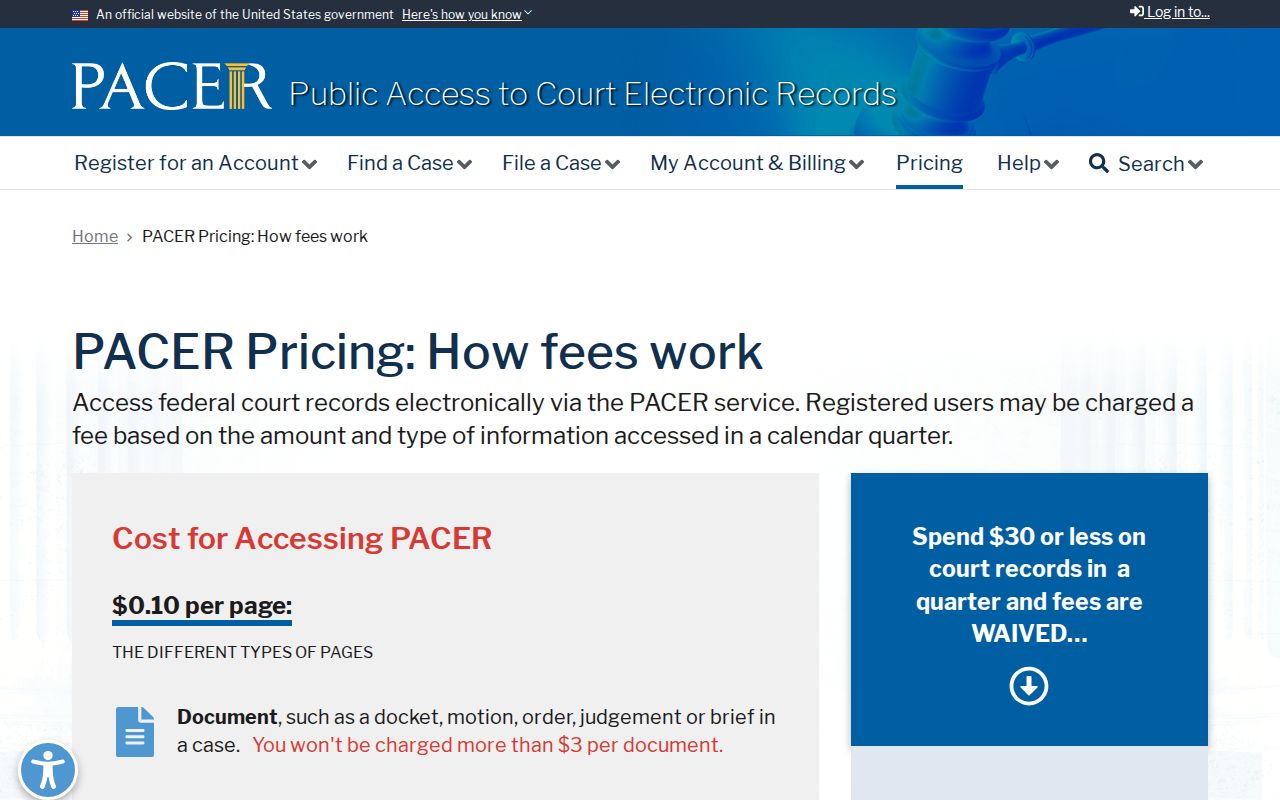
Those charges and free-access rules sit outside the Lamb County courts. They govern only the federal docket system.
County vs Statewide Case Search
Lamb County offers no unified local search portal. The real choice is between statewide electronic search and going straight to the office that keeps the record.
| re:SearchTX | Lamb County Clerk Route |
|---|---|
| Searches participating state-court data | Targets the originating court's records |
| Uses Cases, Filings, Text, and Hearings | Uses cause number, name, date, and document description |
| Good first check for public indexed matters | Best fallback for nonintegrated or older material |
| Some documents vary in access or price | Can address inspection and plain or certified copies |
Call the District Clerk at (806) 485-0071 for 154th District Court records, or the County Clerk at (806) 485-0053 for County Court matters. Both work out of the courthouse at 100 6th Drive, Littlefield, Texas 79339-3366, in Rooms 212 and 103. Ask each office what fits your case lookup. Counter inspection, a public terminal, phone help, mail, or a written request may all be options.
Lamb County Search Failure Checklist
A dead-end docket search usually has a plain cause: the wrong court, a query too narrow or too broad, integration limits, or a legal restriction. Run a short checklist before repeating the same query.
- Check the court and county printed on the notice.
- Try the exact cause number before a party name.
- Inspect both Cases and Hearings.
- Ask whether the case exists in JustWare but is not publicly integrated.
- Request the docket entry separately from a document copy.
- Use a written Rule 12 request for an identifiable existing judicial record.
Skip the open contact form for anything sensitive. Never send a Social Security number or other private identifiers that way. If the clerk needs more, use a secure official channel and share only the minimum.
Whether you ask at the counter, by phone, or by mail, write down the court name and how you identified the case. Note the rough filing or hearing date, the case category, and the document or event you want. Ask the clerk to separate current case status from document availability. A case can be indexed while its pleading stays unavailable online. Some documents need their own copy request. If the clerk points you to another office, keep that referral. Do not restart the same broad statewide search.
Search results shift, too. For any result you rely on to follow a public matter, save the portal, the date, the filters, and the coverage note. A later setting, a corrected entry, a new order, or an access decision can change the answer. The originating court's current record still governs.
Lamb County Public Notice Search
The OCA citations database is official. But it is not a full Lamb County court docket. It covers public notices and citations. Search it by text, by a respondent, estate, or property name, by cause number, by court or county, or by status. When you already know the cause number and court, the official tip says to use General Search. A trailing wildcard works too. So a short prefix can pull up every name sharing those first letters. The official OCA citation search shows the public-notice filters you can use.
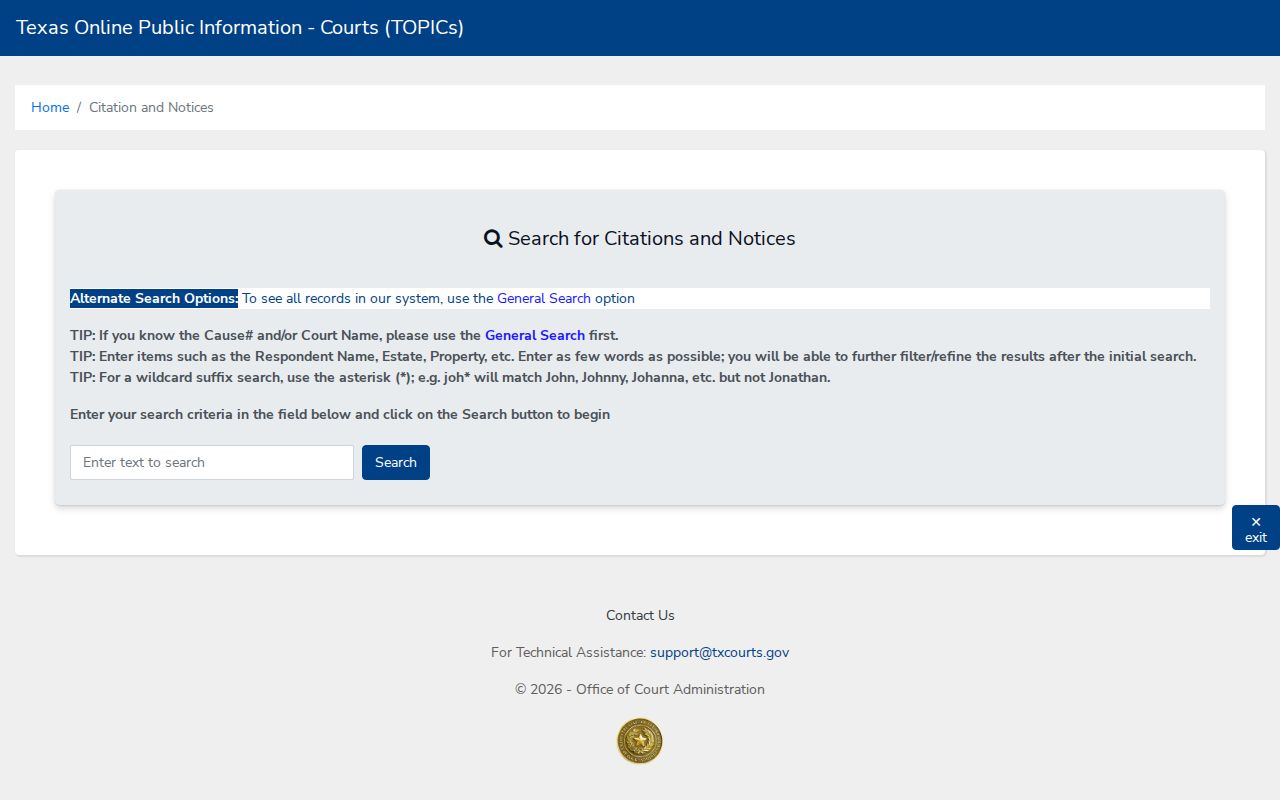
This form helps when publication or notice is the point. It is not a general case docket. An official OCA notice detail shows the fields a matching public-notice search returns.
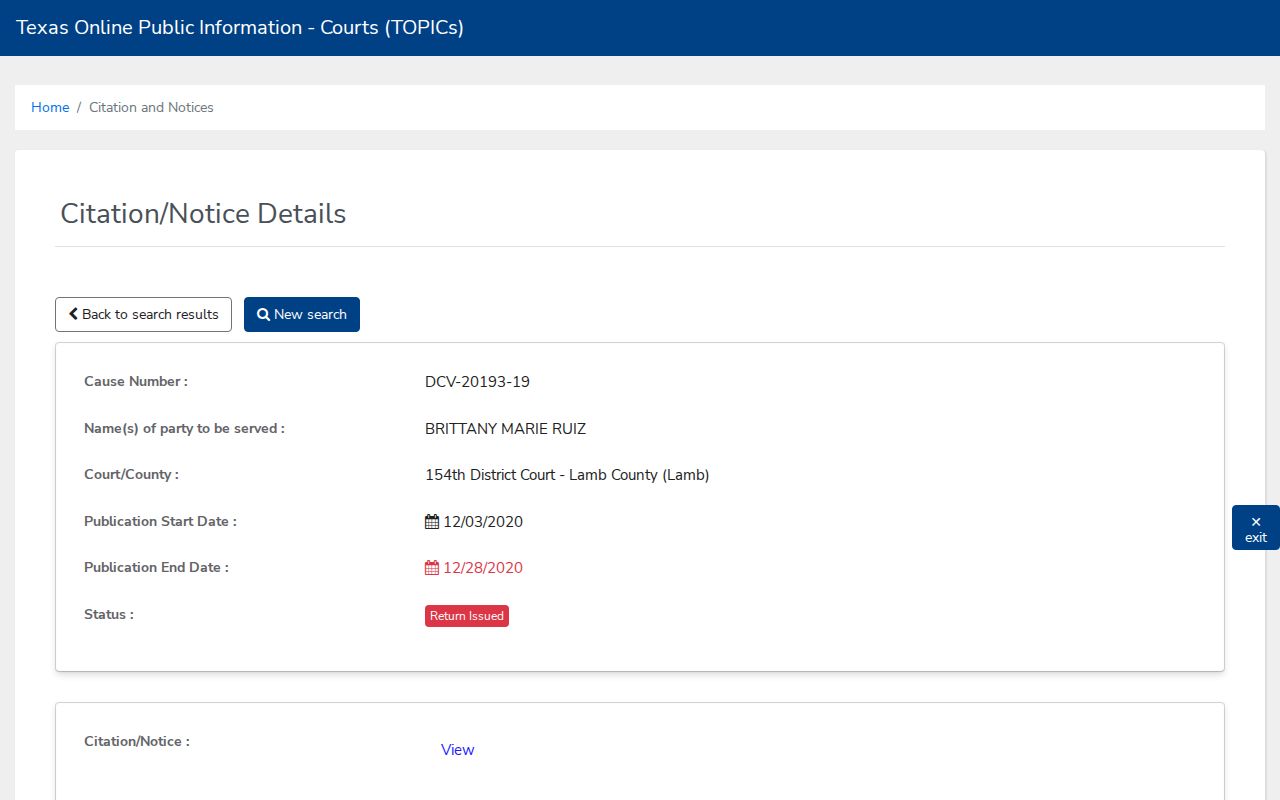
A detail page may list court and county, cause number, publication dates, status, and a notice link. Those fields confirm a public-notice event took place. They do not replace Case Details, a clerk's docket, or the underlying case file.
Restricted Cases and Access Rules
Several rules can pull data from public view. These include sealed civil records, juvenile confidentiality, expunction, nondisclosure, sensitive-data redaction, and limits on criminal-document coverage. Texas Rule of Civil Procedure 76a sets the standards for sealing civil records. Rule 21c deals with sensitive data. And Family Code Chapter 58 protects juvenile records. A case entry can stay visible even when an attachment is withheld.
When a record you expect is missing, ask the office holding it about the docket entry. Ask whether a redacted copy exists. Ask also what rule supports any denial. The Texas judicial-record policy covers written requests for existing records. It also covers the Rule 12 appeal route. The full file-request process is described in the Lamb County court record search.